
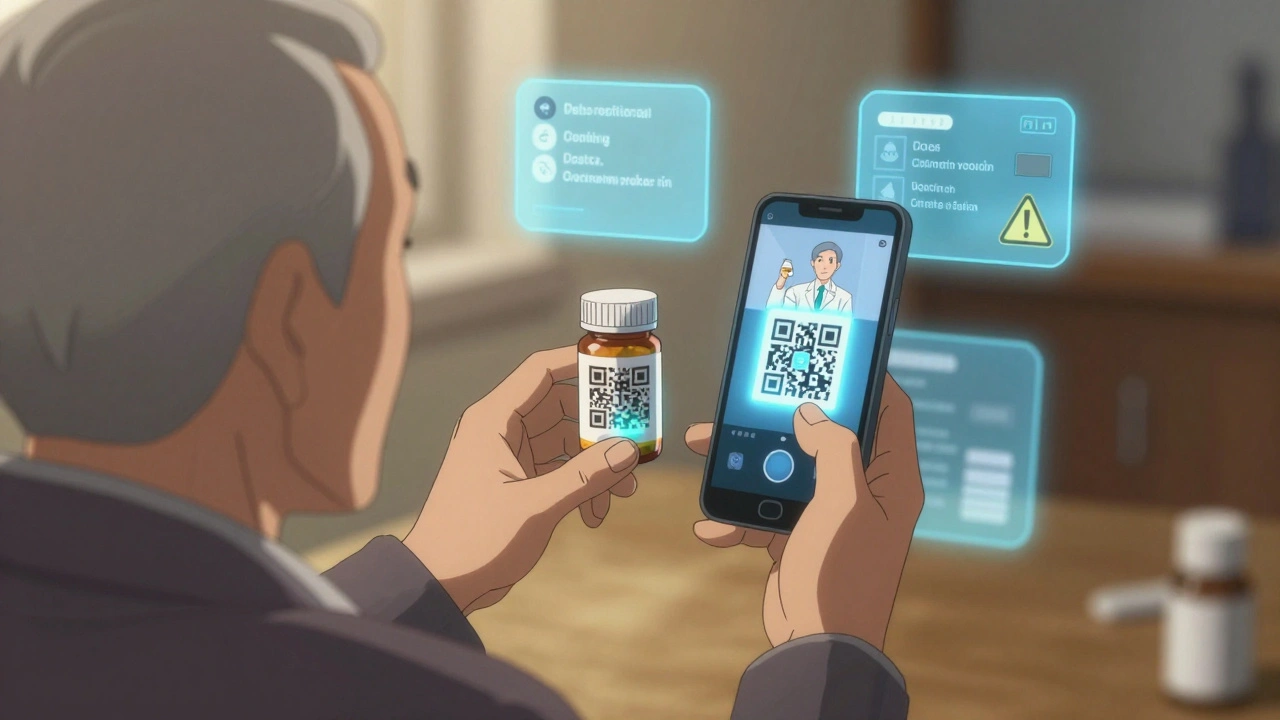
Imagine this: you pick up your prescription, open the bottle, and instead of squinting at tiny print on a paper insert, you just point your phone at a simple black-and-white square on the box. In seconds, you see your exact dosage, possible side effects, what to avoid mixing it with, and even a video showing how to take it correctly. That’s not science fiction. It’s happening now - and it’s changing how people use medications safely.
What QR Codes Do on Prescription Labels
QR codes on prescription labels aren’t just fancy decorations. They’re digital bridges between the physical bottle and a secure, up-to-date source of medication information. When you scan one, you’re not just opening a webpage - you’re accessing verified data directly from the manufacturer or pharmacy system. This includes your name, the drug’s purpose, how much to take, when to take it, warnings about alcohol or other drugs, storage instructions, and even expiration alerts.
Unlike old-school paper inserts that get lost or faded, QR-linked content can be updated instantly. If a new warning pops up - say, a dangerous interaction with a common over-the-counter painkiller - the info on the QR page updates the same day. The patient doesn’t need a new bottle. The pharmacy doesn’t need to recall stock. The system just works.
According to a 2023 study from Freyr Solutions, hospitals using QR codes on prescriptions saw a 43% drop in medication errors. Why? Because patients and nurses could quickly confirm details without guessing or misreading handwriting. That’s not a small win. It’s life-saving.
Static vs. Dynamic QR Codes: Why It Matters
Not all QR codes are the same. There are two types: static and dynamic. Static ones are like a fixed street address - once printed, you can’t change where they point. Dynamic ones are like a smart GPS that can reroute you based on traffic or new destinations.
In pharmaceutical use, static QR codes make up only 12% of implementations. Why? Because they’re risky. If the website hosting the info goes down, or if the label needs an update, you’re stuck. You’ve printed a dead link.
Dynamic QR codes? They’re used in 88% of cases. They let pharmacies and drugmakers change the destination URL anytime - without reprinting labels. You can track who scanned it, where, and when. You can test two versions of the same message to see which one patients understand better. You can even set expiration dates so the link stops working after the prescription runs out.
They also work with analytics tools. A pharmacy in Sydney noticed that 72% of scans happened on Android phones between 7-9 a.m. That told them to optimize their landing page for mobile speed during morning rush hours. Simple insight. Big impact.
How to Scan a Prescription QR Code
Scanning is easier than you think. Most smartphones have built-in QR readers now. On an iPhone, just open the Camera app and point it at the code. On Android, the same thing usually works - no extra app needed. If it doesn’t, open Google Lens or download a free QR scanner like QR Code Reader by Scan (available on both iOS and Android).
Here’s what to do:
- Hold your phone steady, about 6-12 inches from the QR code.
- Make sure the code is fully visible - no shadows, no glare from bright lights.
- Wait for your phone to beep or show a notification.
- Tap the link that appears. It will open in your browser.
Some labels have small codes on vials or blister packs. If it’s hard to scan, try moving closer or tilting the bottle slightly. Avoid scanning under direct sunlight or in dim rooms - those are common reasons scans fail.
What Information Should a Digital Prescription Label Show
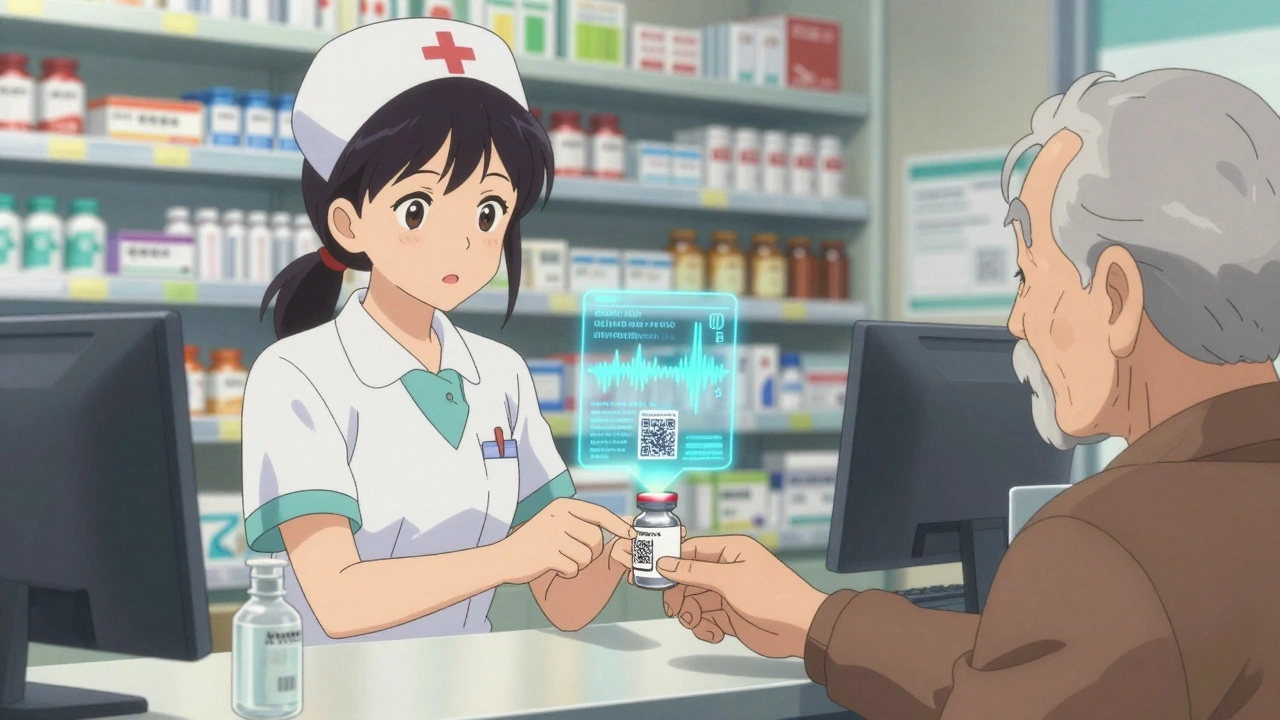
Regulatory bodies like Singapore’s Health Sciences Authority and the European Medicines Agency have clear rules. A digital label must include at least six key pieces of information, exactly matching what’s printed on the physical package:
- Indication: Why you’re taking the drug (e.g., “For high blood pressure”)
- Dosing instructions: How much, how often, with or without food
- Contraindications: When NOT to take it (e.g., “Do not use if allergic to penicillin”)
- Warnings and precautions: Things like “May cause drowsiness - do not drive” or “Avoid grapefruit juice”
- Drug interactions: Other medications or supplements to avoid
- Overdose info: What to do if you take too much
Plus, many systems now add extra features: audio playback for visually impaired users, multilingual options (auto-detecting your phone’s language), and even video demos showing how to use an inhaler or insulin pen correctly.
One hospital in Melbourne added a video of a pharmacist explaining how to use their new blood thinner. Patient call-backs dropped by 58% in two months.
Why Pharmacies Are Switching to Digital Labels
It’s not just about tech for tech’s sake. Pharmacies are adopting QR codes because they solve real problems.
First, reducing errors. A 2024 Reddit thread from a pharmacist in Brisbane showed that after switching to QR codes on IV bags in the ICU, preparation mistakes fell by 41%. Nurses no longer had to guess what was in a vial based on a faded label.
Second, cutting down on calls. Patients used to call the pharmacy every time they weren’t sure about a side effect. One community pharmacy in Sydney reported a 63% drop in after-hours calls after launching QR labels. That means less stress for staff and faster answers for patients.
Third, improving adherence. A clinical trial by DosePacker found that heart failure patients using QR-coded pill cups increased their medication adherence from 62% to 89%. Why? Because they got timely reminders, dosage charts, and even motivational messages - all accessible in seconds.
And it’s cost-effective. A single QR code costs about $0.0003 to print. Compare that to RFID tags, which cost up to 160 times more. No batteries. No chips. Just ink and a smartphone.
Challenges and Limitations
QR codes aren’t perfect. They have real limitations.
One big issue: accessibility for older adults. A 2024 AARP survey found only 58% of people over 65 feel comfortable scanning QR codes. In one Johns Hopkins study, 38% of seniors needed help from a family member or nurse to scan their meds. That’s a serious gap.
That’s why smart systems include fallbacks: printed summaries on the label, phone hotlines, or even in-person scanning help at the pharmacy counter. Some pharmacies now have “QR assistants” - staff trained to help patients scan on the spot.
Another problem: poor internet in rural areas. A 2023 survey in the American Journal of Managed Care found 23% of rural patients couldn’t access QR content because of weak or no signal. That’s why many systems now let you download the info as a PDF to view offline later.
And then there’s the design challenge. A QR code printed on a curved pill bottle or a small vial can be too tiny to scan. Experts recommend a minimum size of 25x25 modules (about 1.5 inches square) for reliable scanning. If it’s smaller, the success rate drops fast.
How to Implement QR Codes in Your Pharmacy or Clinic
If you’re a pharmacist, clinic manager, or healthcare provider thinking about using QR codes, here’s a simple 6-step plan:
- Check regulations: Make sure your region allows digital labels. Singapore, the EU, and the FDA all have clear guidelines. In Australia, while not yet mandatory, the Therapeutic Goods Administration supports digital labeling as a safety tool.
- Choose dynamic QR codes: Never use static ones. You need the ability to update content later.
- Build clear, simple content: Use plain language. Avoid medical jargon. Translate into top local languages if needed.
- Train your staff: Spend at least 4-8 hours training pharmacists and techs on how to explain QR codes to patients. Many patients don’t know how to use them - your team is the bridge.
- Educate patients: Put up posters in the waiting room. Hand out one-page guides. Say it out loud: “Scan this code with your phone to see your full med info.”
- Monitor and improve: Track how many people scan. What devices are they using? Where are they scanning? Use that data to fix problems. If scans drop on weekends, maybe your landing page is too slow.
One pharmacy in Perth spent 17 hours training staff over two weeks. After that, 95% of techs could troubleshoot scan issues without help. Within three months, patient satisfaction scores jumped 22%.
What’s Next for Digital Prescription Labels
The future is already here. By 2026, the EU plans to make QR codes mandatory on all prescription meds. The FDA is pushing to link them to Universal Device Identifiers (UDIs) so every pill, patch, or pump can be tracked from factory to patient.
New tools are popping up too. Freyr Solutions added AI to QR landing pages - if you scan a blood pressure med, the page checks your other drugs and warns you if there’s a dangerous mix. Clappia’s latest system tracks inventory in real time - if a drug runs low, it auto-notifies the pharmacy.
And the biggest shift? QR codes are becoming part of your health record. Some systems now sync scan data to your EHR. So if you scan your insulin pen, your doctor sees not just that you took it - but when, and if you missed a dose.
This isn’t just about convenience. It’s about safety, equity, and control. Patients want to understand their meds. Pharmacies want to reduce errors. Doctors want better outcomes. QR codes are the quiet tool making all that possible.
It’s not magic. It’s just smart design - connecting the physical world with the digital one, one scan at a time.
9 Comments
Mellissa Landrum
4 December, 2025so u know what this really is? a government tracking scheme disguised as "safety". they scan your med, they get your phone location, your ip, your browsing history, then they sell it to big pharma so they can jack up prices even more. i scanned mine and my phone started glitching. coincidence? i think not.
Manish Shankar
4 December, 2025It is with profound respect for the advancements in pharmaceutical safety that I acknowledge the potential of QR-based digital prescription labeling. This innovation, when implemented with due regard for accessibility and data privacy, represents a significant stride toward patient empowerment and error reduction in medication administration. I commend the efforts of institutions adopting such measures with diligence.
luke newton
5 December, 2025Of course it's great that tech is "saving lives" - but let’s be real, this is just another way for corporations to make you dependent on your phone to do the one thing your body should be able to handle without a digital middleman. And don’t get me started on how they’ll charge you for "premium" scan access next. You think this is free? You’re the product.
Ali Bradshaw
6 December, 2025Really appreciate this breakdown. I’ve seen a few older patients struggle with QR codes at my local pharmacy, but the staff started offering a quick 30-second demo at pickup - and it’s made a huge difference. Simple, human touch matters more than we think. Also, the video demos for inhalers? Genius. I wish my grandma had that when she started on her COPD meds.
an mo
7 December, 2025The adoption metrics are statistically significant, but the underlying infrastructure remains vulnerable to adversarial manipulation. QR code hijacking via DNS spoofing or MITM attacks on unencrypted endpoints is nontrivial - especially in Medicaid clinics with legacy network architecture. Without TLS 1.3 enforcement and PKI-backed certificate pinning, this entire system is a single point of failure waiting for exploitation. The FDA’s guidance is woefully inadequate on threat modeling.
Lynette Myles
9 December, 2025QR codes on meds are a trap. They’re collecting your data. They’re tracking your habits. They’re linking you to your health records without consent. This isn’t innovation. It’s surveillance with a side of aspirin.
Ada Maklagina
9 December, 2025i scanned my blood pressure med last week and it showed me a video of how to take it right. no jargon, just a lady smiling and saying "take it with breakfast". i cried a little. i’ve been taking it wrong for 3 years. thanks whoever made this
Harry Nguyen
10 December, 2025Oh great, so now we need a smartphone to take a pill? Next they’ll require a QR code to breathe. Meanwhile, in China, they just print the info in giant letters. And guess what? People live longer. Maybe we don’t need tech. Maybe we need less arrogance.
Chris Brown
11 December, 2025While the technological implementation may appear beneficial on the surface, one must consider the broader ethical implications of digitizing personal health information through an unregulated, consumer-grade medium. The erosion of analog safeguards, coupled with the potential for systemic dependency on proprietary platforms, constitutes a dangerous precedent in public health infrastructure. This is not progress - it is commodification masquerading as convenience.