
Why Your Eyes Hurt After Sitting at a Screen All Day
You’re not imagining it. Your eyes feel dry, your head aches, and your neck is stiff after just a few hours at your desk. This isn’t just tiredness-it’s computer vision syndrome, also called digital eye strain. It’s real, it’s common, and it’s getting worse. In Australia, nearly 7 in 10 people who work on computers report symptoms like blurred vision, burning eyes, or headaches. And it’s not just office workers-students, remote employees, and even casual screen users are affected. The good news? You don’t need expensive gadgets or drastic changes to feel better. Small, smart adjustments can cut your symptoms in half.
What Actually Causes Digital Eye Strain?
Your eyes aren’t built for staring at glowing rectangles for hours. Unlike printed text, screens flicker, glare, and have low contrast. Your eyes constantly adjust focus, and you blink less-about 5 times a minute instead of the normal 15. That’s a 66% drop. Less blinking means your tear film dries out, leaving your eyes gritty and sore. At the same time, your neck and shoulders tighten because you’re craning up to see a monitor placed too high. And if your screen is too close or too far, your eye muscles stay locked in tension. It’s a perfect storm of physical stress.
Studies show symptoms hit hardest after just two hours of continuous screen use. The most common complaints? Eye strain (64%), headaches (44%), dry eyes (32%), and neck pain (28%). These aren’t minor annoyances-they cut productivity by up to 20%. If you’re losing focus or making more mistakes after lunch, your screen setup might be the culprit.
The 20-20-20 Rule: The Easiest Fix
One simple trick has helped millions: the 20-20-20 rule. Every 20 minutes, look at something 20 feet away for 20 seconds. Sounds too easy? It works. A clinical study from St. Peter Eyecare found people who followed this rule reduced eye strain symptoms by 53%. You don’t need to leave your desk. Just turn your head. Focus on a tree outside, a poster on the wall, or even the edge of your room. Let your eyes relax. Set a reminder. Use a free app like EyeLeo or Time Out (available on Mac and Windows). After three weeks, most users say their daily headaches dropped from five days a week to just one.
Where You Put Your Screen Matters More Than You Think
Positioning your screen correctly cuts eye strain and neck pain at the same time. The top of your monitor should be at or just below eye level. That means you’re looking slightly down-about 15 to 20 degrees. If your screen is too high, you’re constantly lifting your eyelids, which tires your eyes faster. If it’s too low, your neck bends forward, triggering tension headaches.
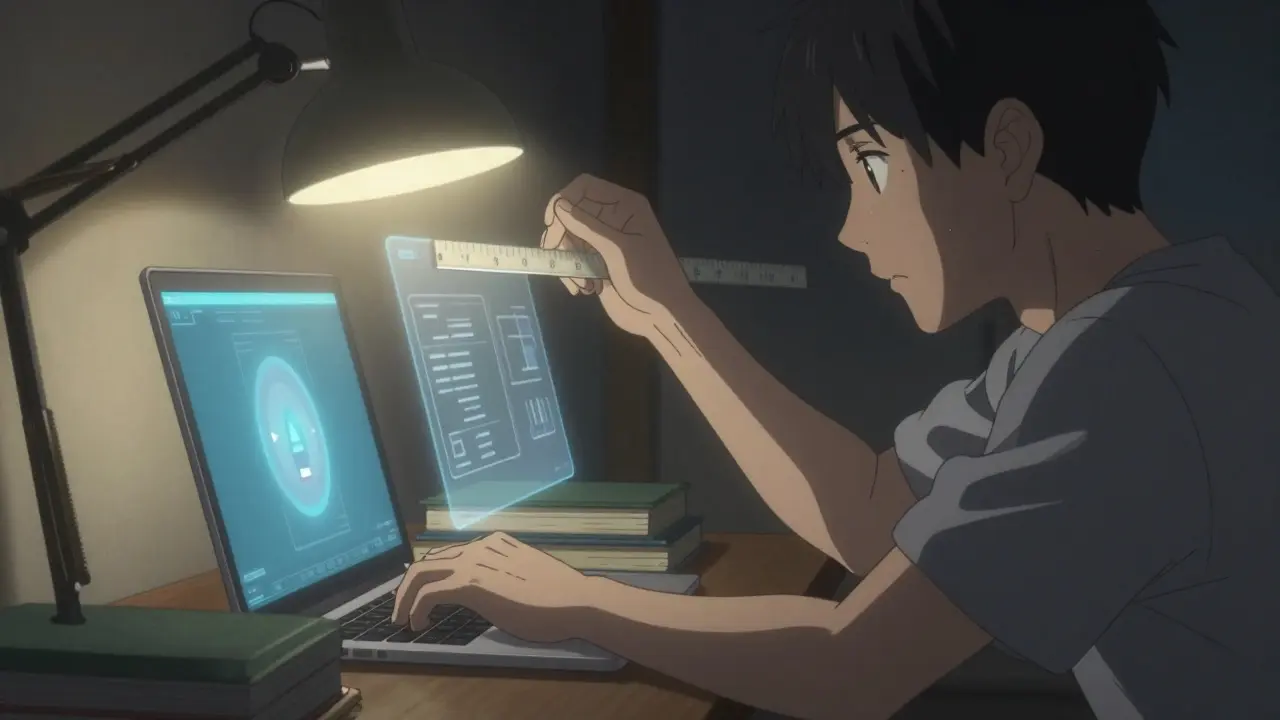
Distance matters too. Hold your arm out. The tip of your middle finger should be about where your screen is. That’s 20 to 28 inches away. Too close? Your eyes work harder. Too far? You lean in, straining your posture. Use a ruler or tape measure. It takes five minutes to adjust your monitor stand or stack some books under your laptop. Do it now. You’ll feel the difference by tomorrow.
Lighting Is the Silent Killer
Most offices are too bright. Standard lighting is 750-1000 lux. For screen work, you want 300-500 lux. Too much light creates glare. Glare forces your pupils to shrink constantly, making your eyes fatigue faster. You lose 50% of contrast when bright light hits your screen. That means your brain has to work harder to read text.
Solution? Turn down overhead lights. Use a desk lamp with a warm bulb, angled away from your screen. Close blinds during the day if sunlight hits your monitor. If you can’t avoid glare, get an anti-glare screen filter-it’s under $30. And never work in a dark room with a bright screen. That’s the worst combo for your eyes.
Do Blue Light Glasses Really Help?
They’re everywhere. But here’s the truth: blue light isn’t the main problem. Your eyes don’t get damaged by blue light from screens. That’s a myth. What blue light glasses *might* help with is sleep disruption at night, not eye strain during the day.
Studies show they reduce symptoms by only 10-15% compared to clear lenses. For some people, especially those with dry eyes, they feel better-maybe because they remind them to blink more. But for others, they cause color distortion or just feel like a waste of money ($25 to $150). If you’re going to buy them, get them from an optometrist who can test your vision first. Don’t just grab the cheapest pair online. And never skip a proper eye exam to save $50.
Computer Glasses: The Real Solution for Many
If you’re over 40, you might have presbyopia-a natural loss of near focus. Many people don’t realize their reading glasses aren’t right for screen distance. Computer glasses are designed for 20-28 inches, not 16 inches like reading glasses. They can reduce eye strain by 40% if you need them.
Even if you don’t think you need glasses, get a comprehensive eye exam every year. The American Optometric Association says 70% of CVS cases involve uncorrected vision problems. Astigmatism, mild farsightedness, or even a tiny change in prescription can make a huge difference. A $100 eye exam could save you hundreds in headaches and lost focus.
Stop Dry Eyes Before They Start
Dry eyes are the #1 complaint. Your tears evaporate faster when you’re staring. The fix? Blink on purpose. Make full blinks-close your eyes all the way-every 4 to 5 seconds. Set a sticky note on your monitor: “BLINK.” It sounds silly, but it works.
Use preservative-free artificial tears 2-4 times a day. Not the cheap stuff with chemicals. Look for bottles labeled “preservative-free.” Brands like Systane Ultra or Refresh Optive are widely available. You’ll feel relief within a week. And if your eyes feel worse at night, try a humidifier in your room. Dry air makes everything worse.
What’s New in 2026?
Technology is catching up. New monitors from Dell and ASUS now have built-in eye care features: flicker-free panels, automatic brightness adjustment, and blue light filters that turn on at sunset. Apple’s macOS and Windows 11 now track screen time and remind you to take breaks. In May 2023, the FDA approved a new prescription eye drop called EYSUVIS for dry eye caused by screen use. It’s not for everyone, but it shows how seriously eye health professionals are taking this now.
Big companies are acting too. 68% of Fortune 500 firms now include CVS prevention in workplace wellness programs. That’s up from 22% in 2019. They’re buying ergonomic chairs, providing screen filters, and training staff. If your employer hasn’t done anything yet, ask. It’s a health issue, not a luxury.
Your Action Plan: Do This Today
- Set your screen height: top at or just below eye level.
- Measure your distance: 20-28 inches away.
- Turn down room lights. Use a desk lamp.
- Install a free reminder app: EyeLeo or Time Out.
- Set a 20-20-20 timer. Do it every 20 minutes.
- Blink fully every 5 seconds. Seriously.
- Use preservative-free eye drops if your eyes feel dry.
- Schedule an eye exam. Even if you think your vision is fine.
These steps take less than 30 minutes to set up. Most people feel better within a week. No magic pills. No expensive gear. Just smarter habits.
When to See a Doctor
If you’ve tried everything and your eyes still burn, blur, or hurt, see an optometrist. Don’t wait. Persistent symptoms could mean uncorrected astigmatism, early cataracts, or another condition. Also, if you have double vision, light sensitivity, or pain behind your eyes, get checked immediately. These aren’t normal signs of screen fatigue.
And if you’re under 40 but notice you’re holding your phone farther away to read? That’s presbyopia starting early. It’s more common now because of constant close-up screen use. Get tested.
Is computer vision syndrome permanent?
No, CVS is not permanent. It’s a temporary condition caused by prolonged screen use. Symptoms like dry eyes, headaches, and blurred vision usually go away with rest and proper screen habits. But if you ignore it for years, chronic eye strain can lead to long-term discomfort and worsen existing eye conditions. The key is consistent prevention.
Do blue light glasses help with digital eye strain?
Blue light glasses offer minimal help for eye strain itself. Studies show only a 10-15% improvement over regular clear lenses. Their main benefit is helping with sleep if you use screens at night. For daytime eye strain, proper screen positioning, lighting, and the 20-20-20 rule are far more effective. Don’t rely on them as a fix.
How often should I get my eyes checked if I use screens all day?
If you spend two or more hours daily on screens, get a comprehensive eye exam every 12 months. Many people with CVS have uncorrected vision problems like astigmatism or mild presbyopia. A standard eye test might miss screen-specific needs. Ask for a computer vision assessment-your optometrist can adjust your prescription for your working distance.
Can children get computer vision syndrome?
Yes. Kids who use tablets, phones, or laptops for school or gaming are at risk. Their eyes are still developing, and they often don’t realize they’re straining. Encourage 20-20-20 breaks, limit screen time before bed, and ensure their devices are at eye level. Annual eye exams are just as important for children who use screens regularly.
Are there free tools to help reduce eye strain?
Yes. Windows has Night Light, and Mac has Night Shift-they reduce blue light after sunset. Free apps like EyeLeo (Windows/Mac) and Time Out (Mac) remind you to take breaks. You can also adjust screen brightness to match your room light. Most operating systems let you set color temperature and brightness sliders-use them. No cost, instant benefit.
15 Comments
Alex LaVey
4 February, 2026I used to think I was just tired, but after following the 20-20-20 rule for a week, my headaches vanished. I set a timer on my phone and now I actually look out the window every 20 minutes. Feels like a mini meditation. Also, blinking on purpose? Yeah, it’s weird at first, but my eyes don’t feel like sandpaper anymore. Seriously, try it. No gadgets needed.
rahulkumar maurya
5 February, 2026Let’s be honest - most people who suffer from CVS just refuse to acknowledge they’re addicted to their screens. The 20-20-20 rule? A band-aid. The real issue is digital dependency. You’re not training your eyes; you’re training your brain to tolerate sensory neglect. And don’t get me started on ‘blue light glasses’ - a $150 placebo for people who won’t turn off their phones at night. Pathetic.
Demetria Morris
5 February, 2026I can’t believe people still think blue light is the enemy. It’s not the light - it’s the lack of movement. You sit. You stare. You don’t breathe. Your body forgets how to relax. I started standing up every 20 minutes, stretching, walking to the kitchen. My eyes improved because my whole system did. Also - humidifier. Life-changing. Don’t ignore the air.
Susheel Sharma
6 February, 2026The 20-20-20 rule? Cute. But if your monitor is 12 inches from your face and you're working in a fluorescent hellhole, no amount of blinking will save you. You need ergonomics. You need lighting control. You need a professional assessment - not some Reddit hack. Also, preservative-free drops? Only if you're not using them as a crutch for bad habits. #RealityCheck
Roshan Gudhe
7 February, 2026It’s funny how we treat our eyes like disposable tools. We don’t question why we stare at screens for 8 hours straight - we just buy glasses. But what if the problem isn’t the screen? What if it’s the rhythm of our lives? We’ve replaced natural light with LEDs, natural breaks with notifications, natural focus with multitasking. The eye strain is just the symptom. The disease is modernity.
Rachel Kipps
8 February, 2026i just wanted to say i tried the screen height thing and it made my neck stop hurting so bad. i stacked some books under my laptop and now i dont have to crane my neck. also i started using the free app and it reminds me to blink. i thought it was dumb but now i do it without thinking. thanks for the post.
Prajwal Manjunath Shanthappa
10 February, 2026You people are so naive. You think blinking helps? You think a $30 filter fixes everything? You’re ignoring the fact that your pupils are constricting every 0.5 seconds, your ciliary muscles are in spasm, and your tear production is being suppressed by dopamine depletion from constant stimulation. This isn’t ‘eye strain’ - it’s neuro-ophthalmic burnout. And no, your ‘eye exam’ won’t fix it. You need a digital detox. Period.
Wendy Lamb
10 February, 2026My mom is 72 and she uses her tablet for hours. She didn’t even know she had dry eyes until I told her to use the drops. Now she blinks on purpose and uses the humidifier. She says her eyes feel like they’re ‘wet again.’ Simple stuff works. Don’t overcomplicate it.
Katherine Urbahn
12 February, 2026I find it alarming that so many people are willing to accept ‘temporary’ eye strain as normal. This is not normal. This is a slow, silent degradation of visual health. And if you’re letting your employer dictate your screen setup - you’re being exploited. Ergonomics is a human right, not a perk. If your company doesn’t provide a monitor stand, lighting control, and eye exams - they’re violating your right to health. File a complaint.
Jhoantan Moreira
14 February, 2026I’ve been using this for months now and honestly? It’s changed my life. 🙌 I used to get migraines by 3 PM. Now I get up, walk to the window, stare at the tree, and breathe. It’s not magic - it’s mindfulness. Also, I got a warm lamp and now my evenings feel calmer. No blue light glasses needed. Just… presence. 🌿
Coy Huffman
14 February, 2026i swear i thought i was just old but turns out my glasses were for reading not screens. got computer glasses and now i dont have to squint. also the 20-20-20 thing? i do it while i’m scrolling through reddit lol. so easy. thanks for the tips.
Amit Jain
16 February, 2026Just do these 3 things: 1. Move screen to arm's length. 2. Turn down lights. 3. Blink every 5 sec. Done. No apps. No glasses. No drama.
Keith Harris
18 February, 2026Oh wow, another ‘simple fix’ article. Let me guess - you also think yoga fixes carpal tunnel and kale cures depression? People don’t have ‘eye strain’ - they have poor life choices. You sit 10 hours a day, eat junk, scroll before bed, and then act shocked your eyes hurt? Wake up. The solution isn’t a timer. It’s quitting your job and moving to a cabin with no Wi-Fi.
Kunal Kaushik
18 February, 2026I used to hate the 20-20-20 rule because it felt like a chore. Now I look forward to it. It’s my little reset. I watch a bird fly by or notice the way the light hits the wall. Feels like a gift. 🌞
Mandy Vodak-Marotta
20 February, 2026Okay so I tried all of this and I have to say - it’s not just about the eyes. It’s about your whole nervous system. I started doing the 20-20-20 rule and then I noticed I was breathing deeper, my shoulders weren’t up by my ears anymore, I wasn’t grinding my teeth at my desk. It’s like my body finally got permission to relax. And now I’m actually looking forward to my breaks. Like, I even set a playlist of nature sounds for my timer. I used to think I was just ‘tired’ - turns out I was in survival mode. This isn’t just eye health. It’s mental health. And I’m so glad someone finally said it out loud.